Bharat Vakil Diary simplifies legal operations for modern advocates and law firms. Enter your case once — generate professionally formatted, editable Word documents ready to file. Manage clients, hearings, fees and deadlines, all on your own computer, fully offline.
On your phone? Leave your number and we will send you the demo link.
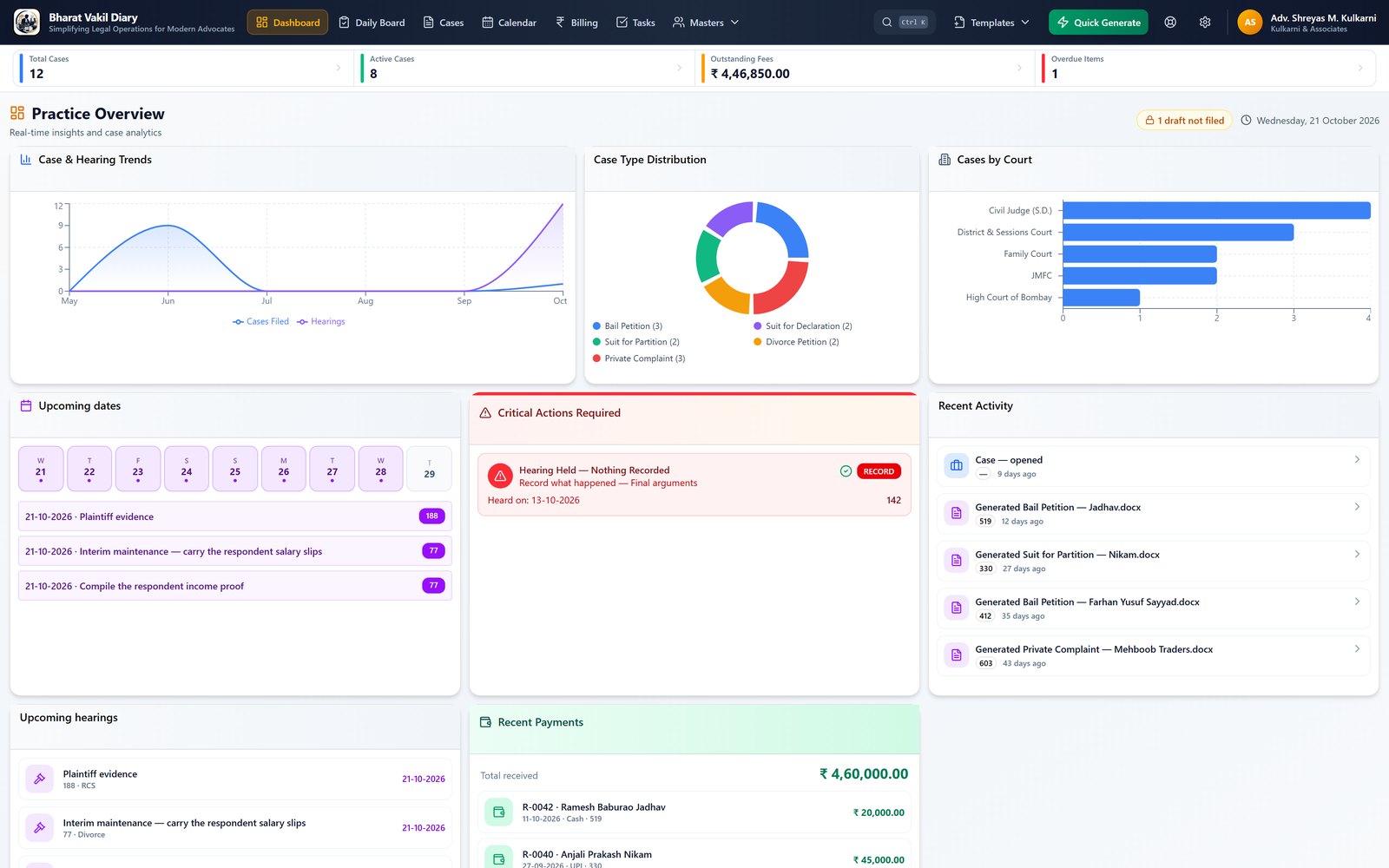
One tidy desktop app — from intake to filing to fees.
Back from court, record every matter heard today on one screen — what happened, the next date and its purpose. The diary, calendar and dashboard follow.
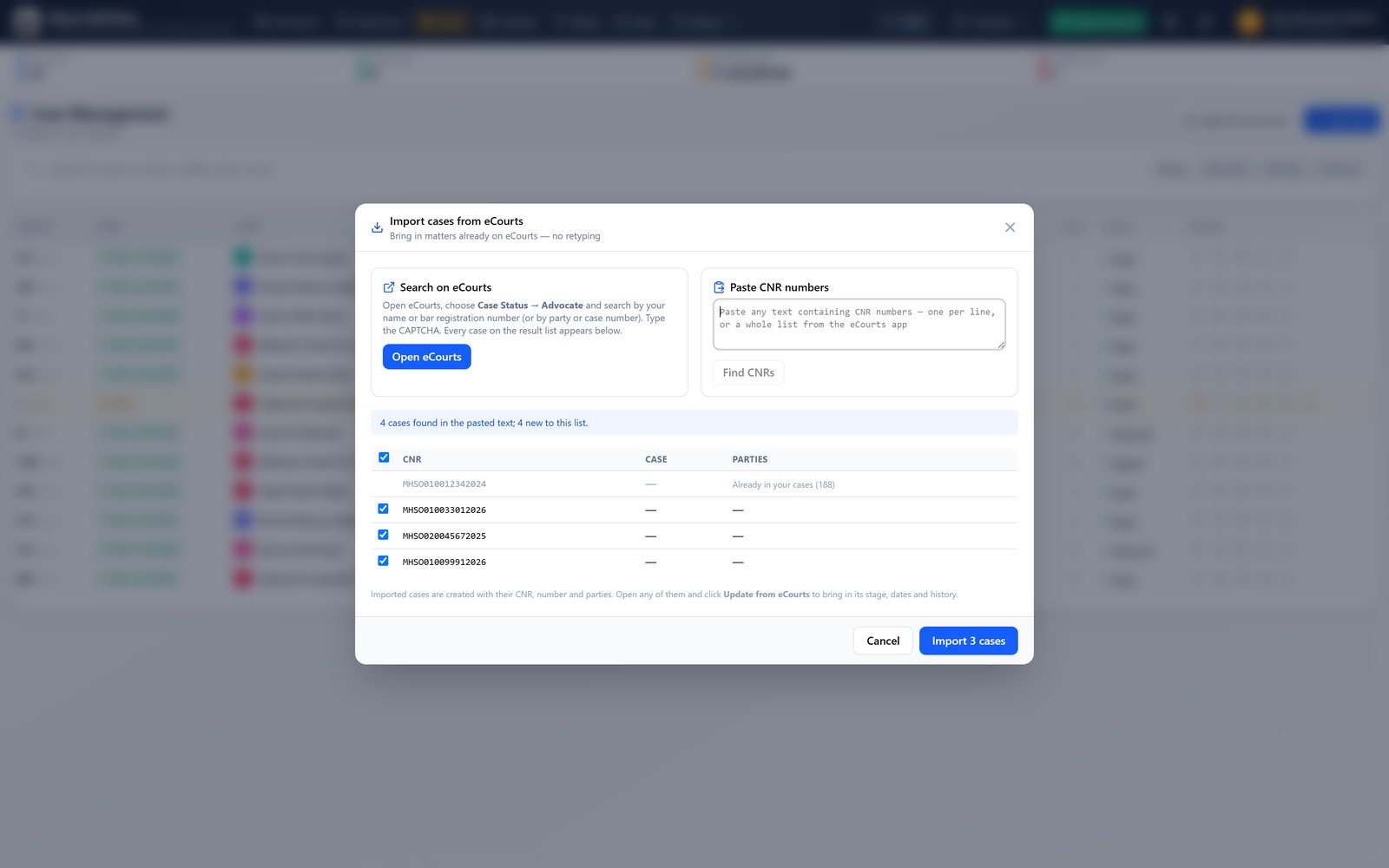
Bring your cases in by CNR — paste a list, or search eCourts inside the app. Update a case from its eCourts page in one click.
Formats shared by advocates and reviewed by us — add one in a click, and contribute your own.
Track every matter — parties, court, status, hearings, documents and history in one place.
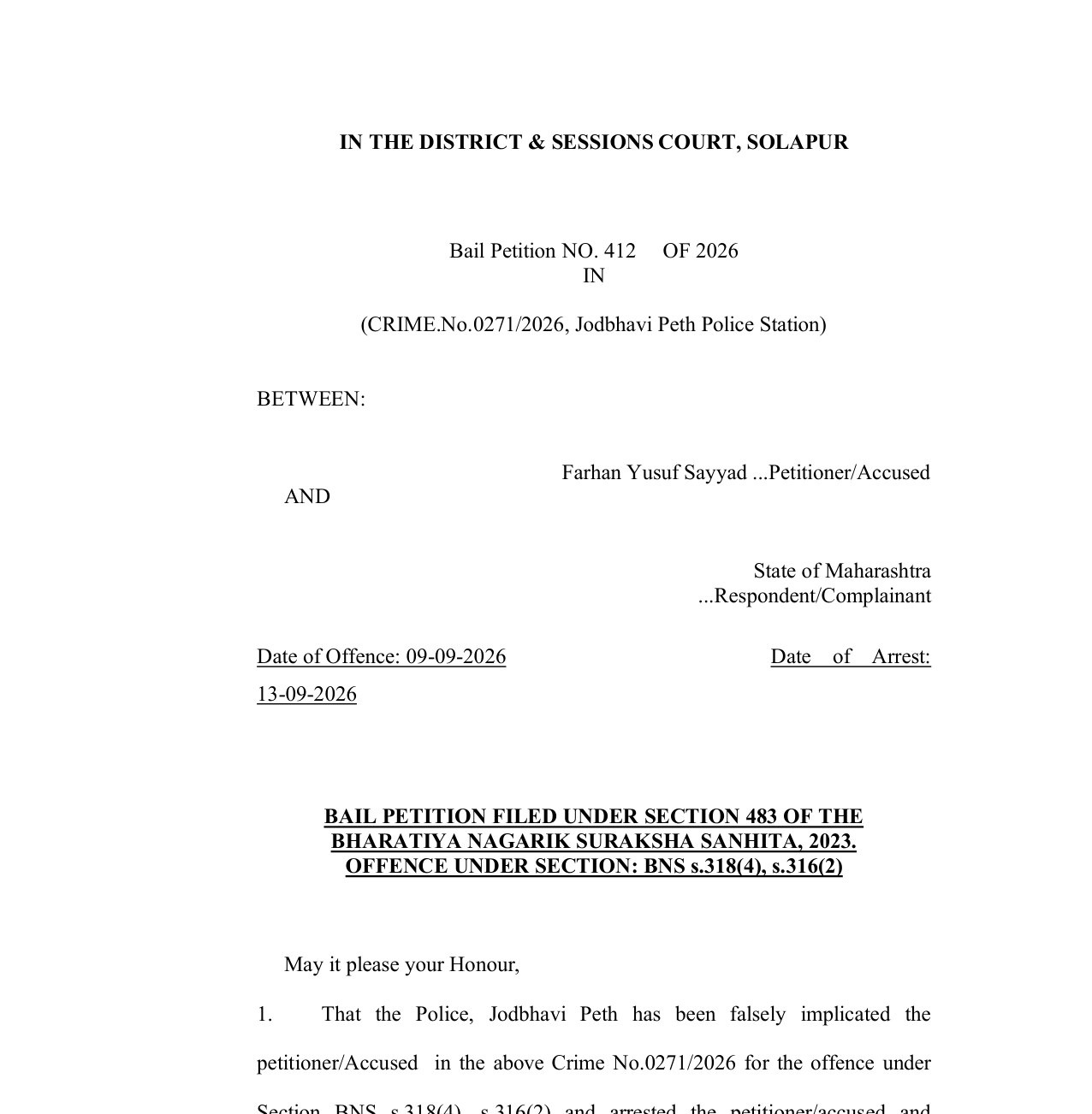
Built-in bail, complaint, suit and divorce formats (BNSS and Cr.P.C.) — or your own Word formats. Fill the fields, get a court-ready editable Word file.
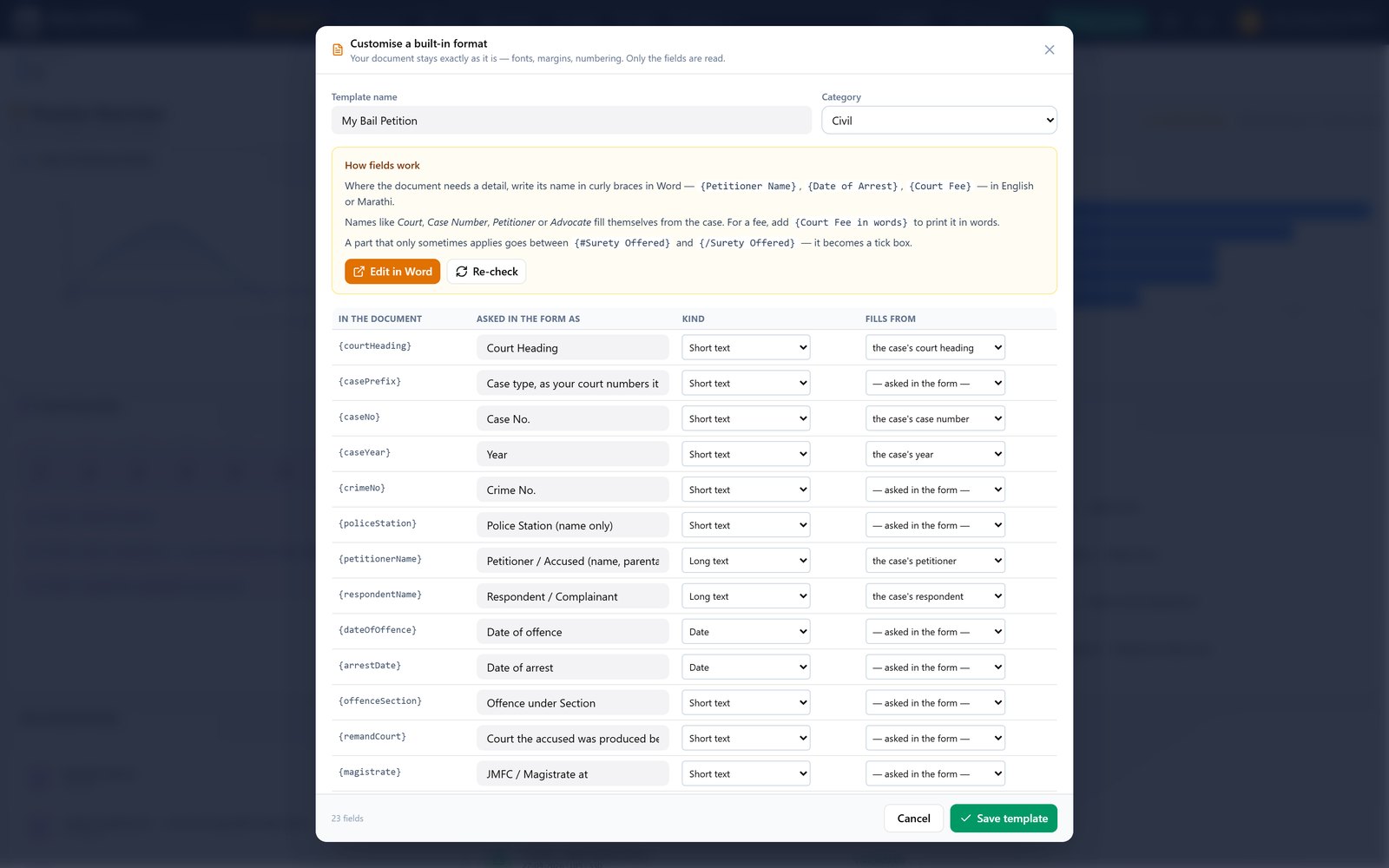
Upload your own Word formats or compose from scratch — a WYSIWYG editor with fields, no Word round-trips.
Record payments, raise numbered bills with line-items, track outstanding dues, print receipts & invoices.
Reusable master records — create once, link everywhere. Documents auto-fill from your data.
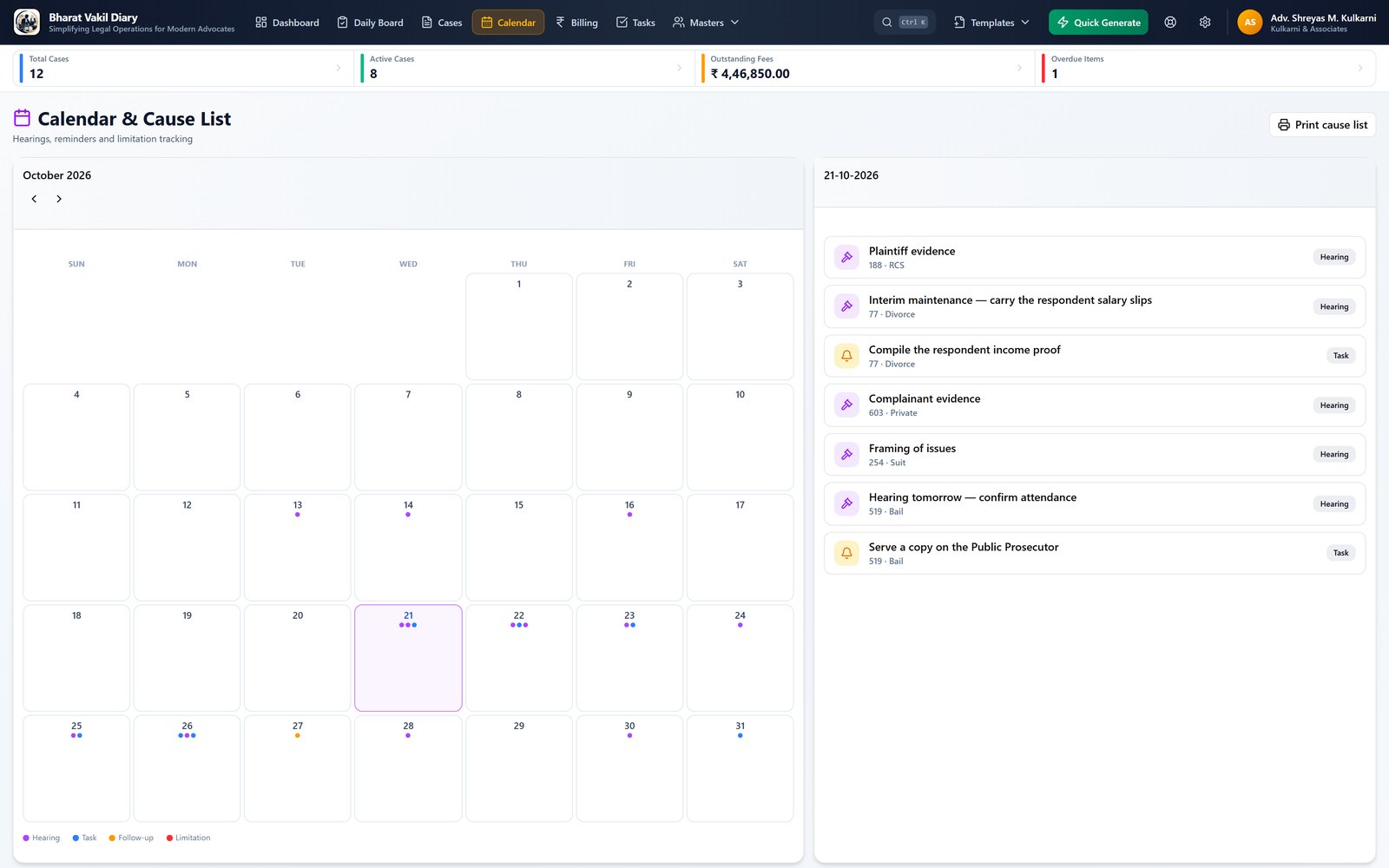
Cause list, hearing reminders and a Limitation Act calculator so deadlines never slip.
Per-case and practice-wide to-dos, statutory-deadline presets (WS 30/90 days, appeals), critical-action alerts.
Ready-made forms — RTI application, police complaint, legal notice, affidavit — fill & print.
Send hearing intimation & fee reminders on WhatsApp, or print a letter — in one click.
Runs entirely on your computer. Optional PIN lock keeps client files safe on a shared PC.
Attach scanned orders & evidence; every generated document is kept as a recoverable soft copy.
One-click full backup of cases, templates and documents — scales to any size without slowing down.
Screens from the application itself.
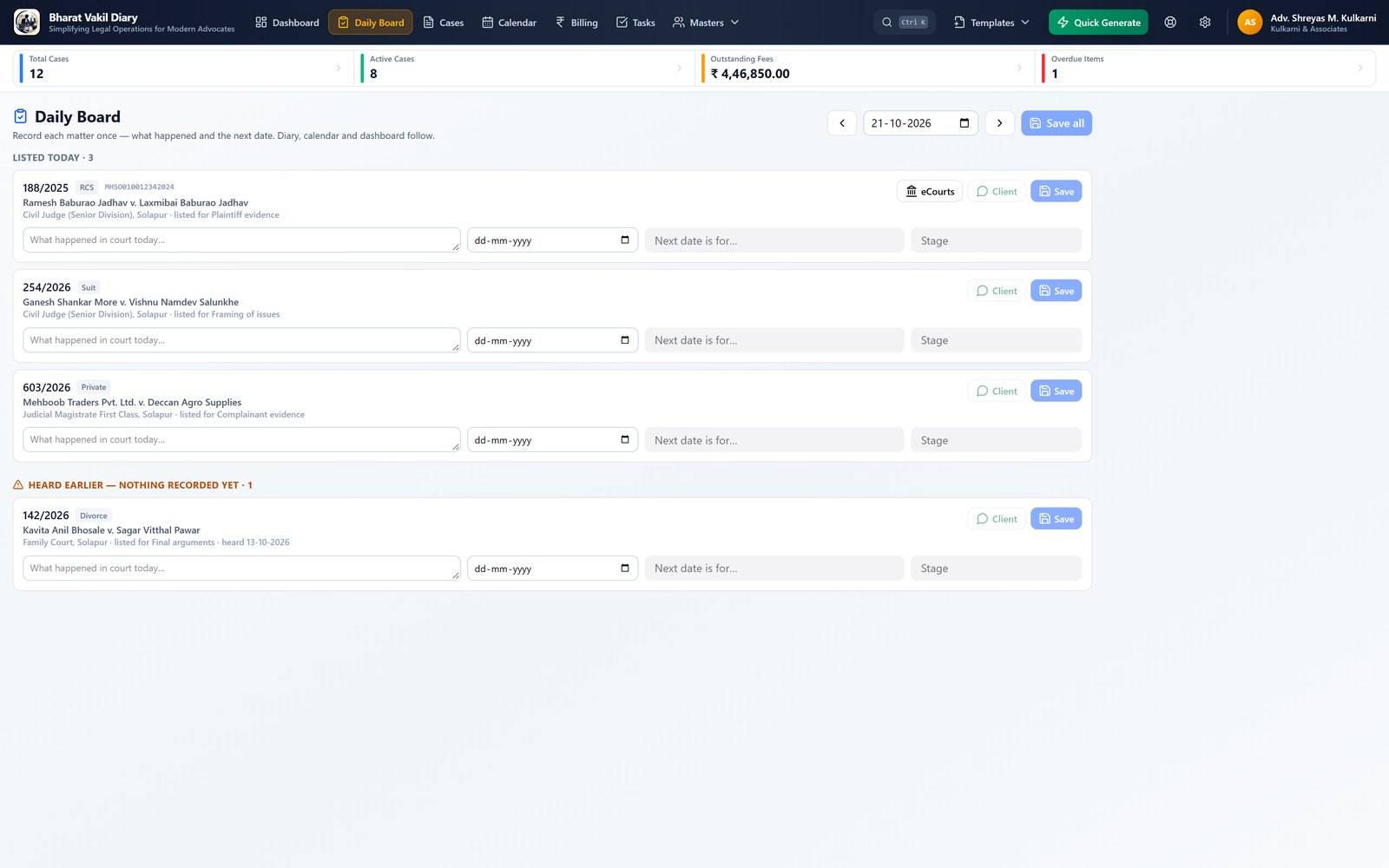
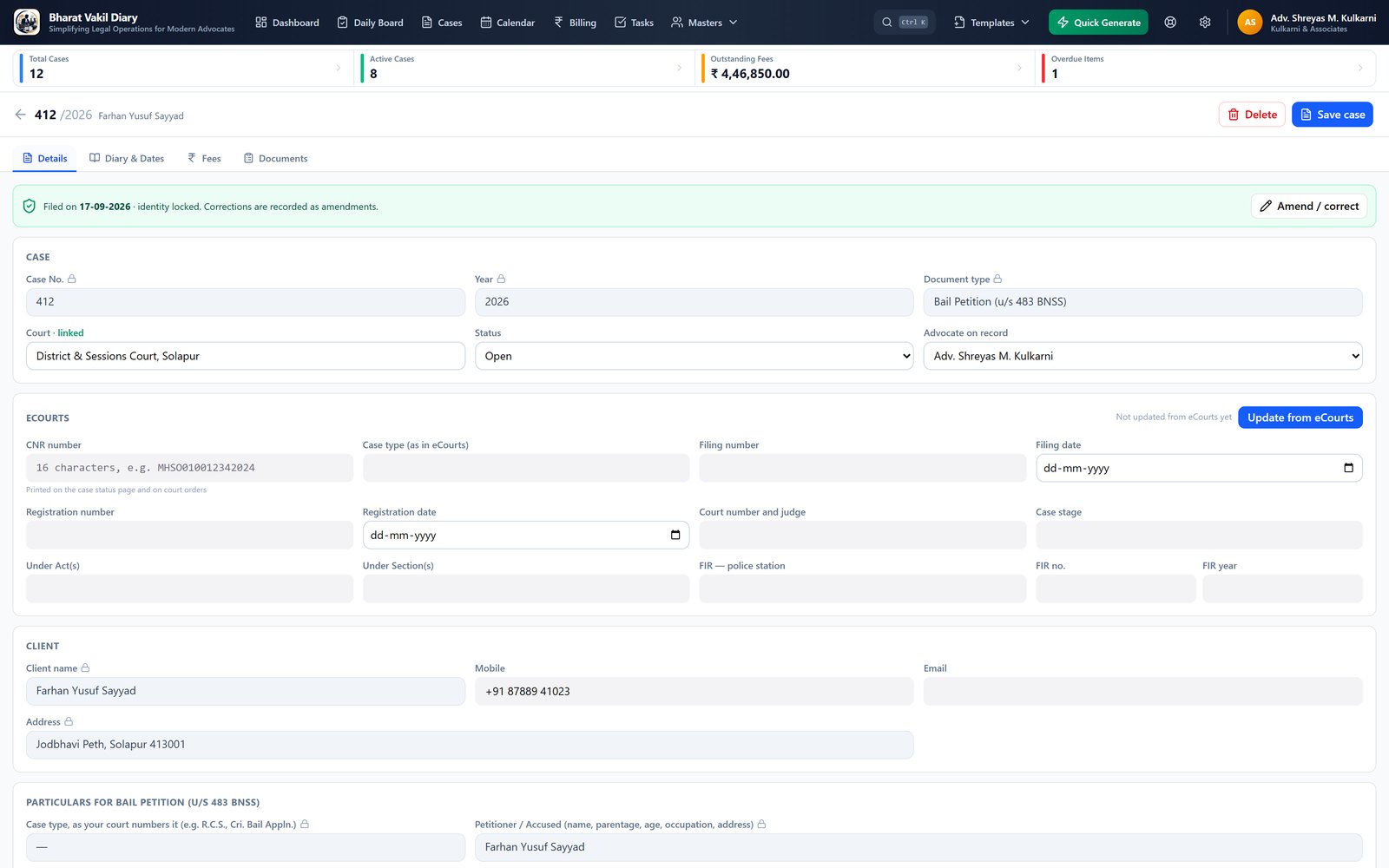
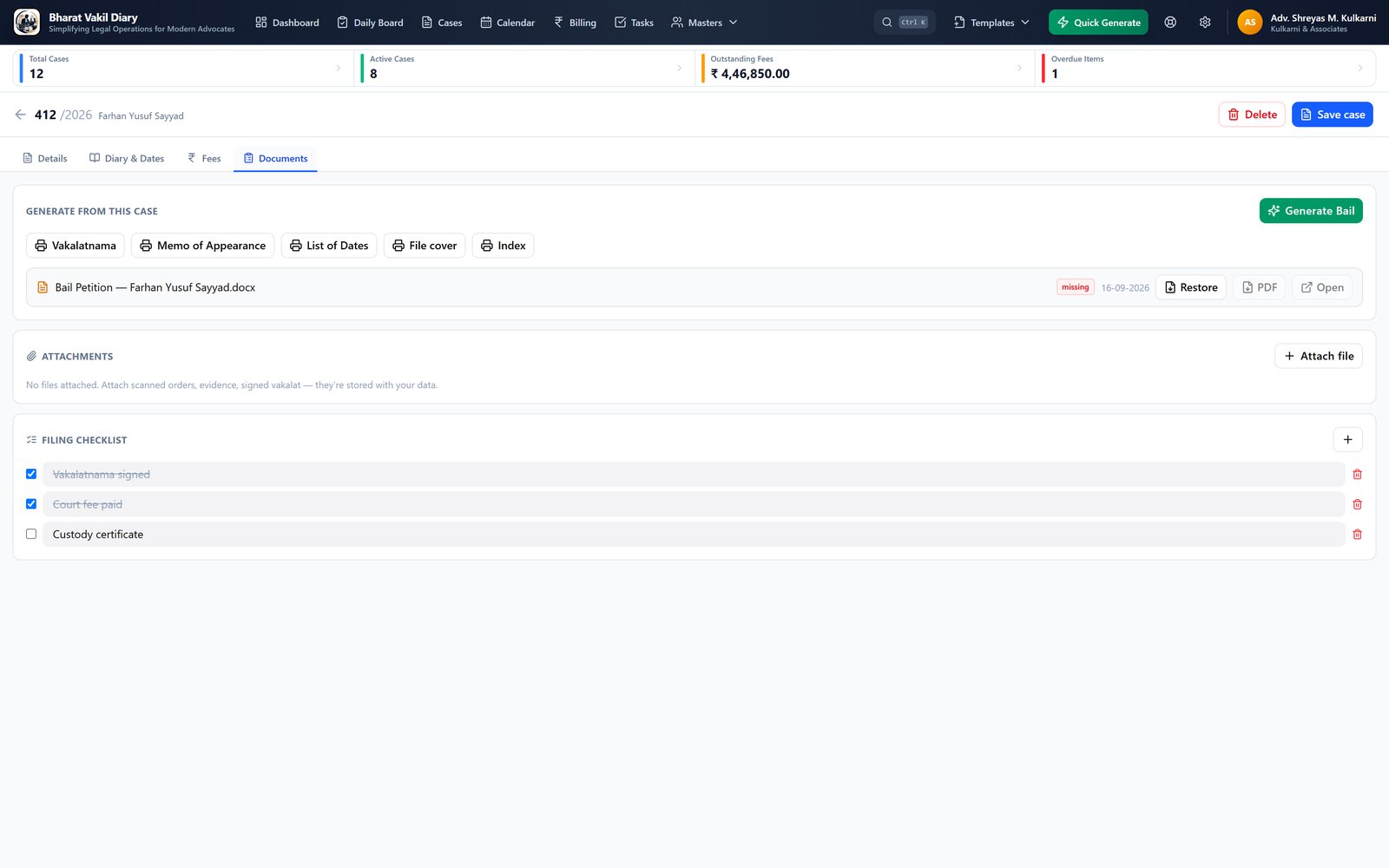
Short guides, recorded from the application itself — from activation to the Daily Board, court documents, eCourts import and backup.
▶ Watch the playlist on YouTubePlaylist: https://www.youtube.com/playlist?list=PLcUltl5wG1Ws
Enter the case particulars once. Bharat Vakil Diary merges your client, party, court and advocate details into the right format and produces an editable .docx in your firm's font, ready to print or file. Need a PDF? One click.
One installer for Windows. Activate once with your licence key — then it works fully offline.
Capture client, parties, court and particulars. Reuse masters so you never retype.
Pick a format, generate the document, print or save as PDF — and track fees & hearings.
Choose the plan that fits you — one licence per computer, no hidden or per-document charges.
Prices in INR. Buy online and your activation key is emailed instantly — or try the free demo first.
Questions about the price or the licence? Get a call back
Evaluate the full product on your own computer. Ready to buy? We'll issue your licence key and you're set.
Roadmap
Bharat Vakil Diary keeps growing, offline-first. Here is what we are building next.
No. Activation needs the internet once; after that the app runs fully offline. Your data never leaves your computer.
You choose. The one-time licence is paid once and never expires; the yearly licence is a single payment for one year, with no auto-renewal. The one-time licence is a launch offer for our early customers: later on, Bharat Vakil Diary will be offered on subscription only, and a one-time licence bought during the offer stays valid for good. Either way, you can move the licence between computers from the licence portal.
Yes. Upload your Word formats and tag the fields, or compose new templates in the built-in editor. Your firm's formatting is preserved.
Yes. On the Cases page, Import from eCourts brings your existing matters in: open eCourts inside the app, search by your name or bar registration number, and every case on the result list is offered to add. You can also paste any text that contains CNR numbers. Cases already in your diary are skipped. Later, Update from eCourts on a case adds the new stage and next date. To take your cases out, use Export on the Cases page (Excel or CSV), or Settings → Backup & data to export everything or to back up and restore. eCourts itself does not accept uploads, so cases cannot be sent back into eCourts.
Windows. Output documents open in Microsoft Word and as PDF.
Everything is stored locally with optional PIN lock and one-click backups. Nothing is uploaded to any cloud.
